Why Gaming Consoles Overheat and Die
Modern gaming consoles push incredible graphics out of very small cases, which means they run hot and rely on aggressive cooling. That cooling is done by fans that pull air in through intake vents, pass it over heat sinks on the CPU and GPU, and blow it out exhaust vents. Dust rides in on that airflow and coats every interior surface over time. A heavily dusted console loses cooling efficiency, runs hotter, throttles performance to protect itself, runs the fans at maximum speed (that jet-engine noise people complain about), and eventually fails when the thermal paste and components break down from heat stress. Cleaning the exterior and the accessible vents doubles or triples a console's useful life. Deep internal cleaning requires disassembly, which voids warranties but is sometimes necessary after a few years of heavy use.
What You'll Need
- Microfiber cloths — lint-free.
- Compressed air — canned, with an extension straw.
- Soft brush or paintbrush — clean, dedicated to electronics.
- Cotton swabs — for buttons and crevices.
- Isopropyl alcohol (70%) — for stubborn grime.
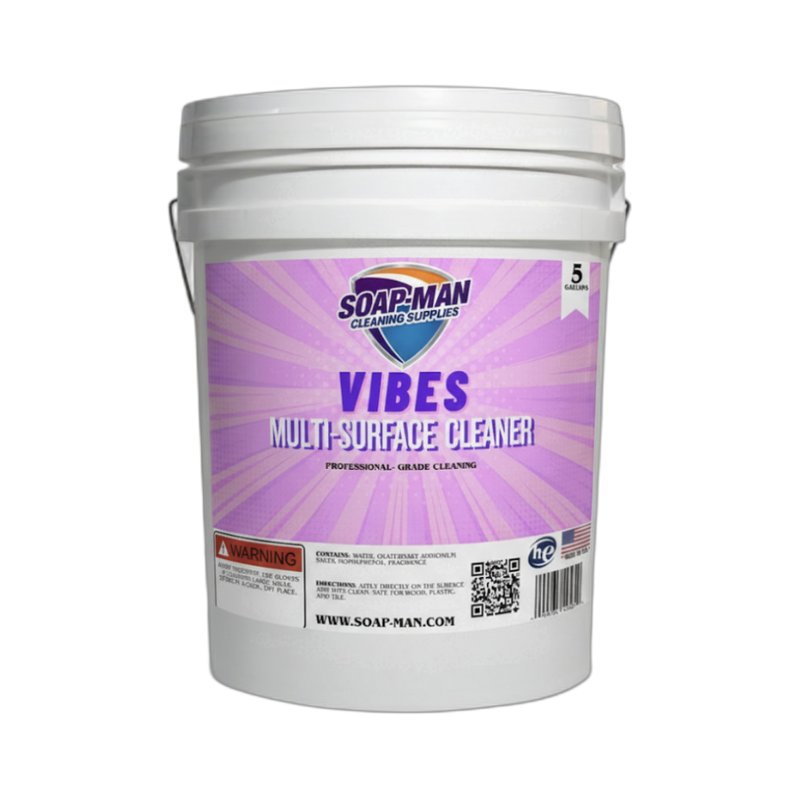
- Multi-surface cleaner — Vibes Multi-Surface Cleaner for the exterior.
- Vacuum with hose attachment — for dust collection only, not direct contact.
Step-by-Step: How to Clean a Gaming Console
Step 1: Power Off and Unplug Everything
Shut down the console properly through the menu, then unplug the power cable, HDMI, and any accessories. Wait 30 minutes for the console to cool completely before cleaning — components inside are hot immediately after use and cold air from compressed-air cans on hot electronics can cause thermal shock. Move the console to a well-ventilated area (outside if possible) because the dust you blow out is going to be significant and you do not want it settling on other furniture.
Step 2: Clean the Exterior
Spray Vibes Multi-Surface Cleaner onto a microfiber cloth (not the console) and wipe down all exterior surfaces — top, sides, back, and the bottom if accessible. Pay attention to the disc drive area, the power and eject buttons, and any USB ports (use a cotton swab for the port openings themselves). For glossy finishes like the PS5's white side panels, use very light pressure and straight strokes to avoid streaks.
Step 3: Clean the Vents With Compressed Air
Identify the intake and exhaust vents on your specific console (the PS5, Xbox Series X, and Switch each have different vent layouts). Use compressed air in short controlled bursts, holding the can upright and keeping it 6 to 12 inches away from the vents. Blow air INTO the exhaust vents and OUT of the intake vents — this pushes dust out in the direction it came in, rather than forcing it deeper. For heavy dust buildup visible at the intake grilles, hold a vacuum hose 2 inches away (not touching) to suck up debris as the compressed air dislodges it.
Step 4: Clean the Controllers Separately
Gaming controllers are the dirtiest part of any console setup because your hands touch them constantly. Wipe the exterior with a cloth dampened with multi-surface cleaner. Use cotton swabs with a small amount of 70% isopropyl alcohol to clean around the buttons, the analog sticks, the triggers, and the thumbstick bases where oil and crumbs collect. Never spray cleaner directly onto a controller — liquid will seep into the button contacts. For the thumbstick rubber grip, a soft toothbrush with a tiny amount of alcohol can restore grip and remove finger oils.
Pro Tips
- Keep the console in a well-ventilated area. Prevention beats cleaning. A console with 4 to 6 inches of airspace around every vent collects dramatically less dust than one shoved into a cabinet. Never put a console in a closed cabinet without ventilation.
- Clean vents every 3 to 6 months. Waiting a full year between cleanings lets dust compact inside the heat sinks where compressed air cannot reach. Quarterly light cleanings prevent this.
- Do not open the console unless you know what you are doing. Opening a modern console voids the warranty, and the interior contains precision cooling components that are easy to damage. Stick to exterior and vent cleaning unless the console is out of warranty and you are comfortable with electronics repair.
FAQ
My PS5/Xbox sounds like a jet engine. Will cleaning fix it?
Usually yes. Loud fan noise means the cooling system is working overtime because dust is blocking airflow. Blowing out the vents with compressed air often drops fan noise back to normal levels immediately. If the noise persists after thorough cleaning, the thermal paste inside may be degraded and need professional replacement.
Can I use a regular vacuum on a console?
Not directly — direct vacuum contact can create static electricity that damages electronics. But you can hold the vacuum hose 2 inches away from the vents to capture dust that compressed air is blowing out. Keep the hose near, not on, the console.
Is it safe to spray compressed air directly into the vents?
Yes, but in short bursts only — long continuous sprays can cause the canister to release liquid propellant that damages components. Hold the can upright, use 1-second bursts, and give the fans time to spin down if they start spinning from the air pressure.
My disc drive is making grinding noises. Can cleaning fix it?
Sometimes. Dust on the laser lens causes read errors and mechanical stress. A disc-based laser cleaner disc (sold at electronics stores) can clean the laser lens safely. If the grinding continues, the drive mechanism may have a failed component and needs professional repair.