Why Monitors Need Careful Cleaning
Modern computer monitors use a soft anti-glare coating over the LCD or OLED panel. That coating is what prevents reflections and delivers the matte finish most users prefer, but it is easily damaged by the wrong cleaner. Ammonia-based glass cleaners like Windex eat the coating and leave permanent cloudy patches. Paper towels and abrasive cloths scratch the surface. Too much liquid drips into the bezel and damages the LCD electronics. The correct method uses a distilled-water-based cleaner, a soft microfiber cloth, and very little moisture. It is not the same as cleaning a window, and it is not the same as cleaning a TV (similar but TVs have different coatings). Treat the monitor like a camera lens: gentle, minimal, streak-free.
What You'll Need
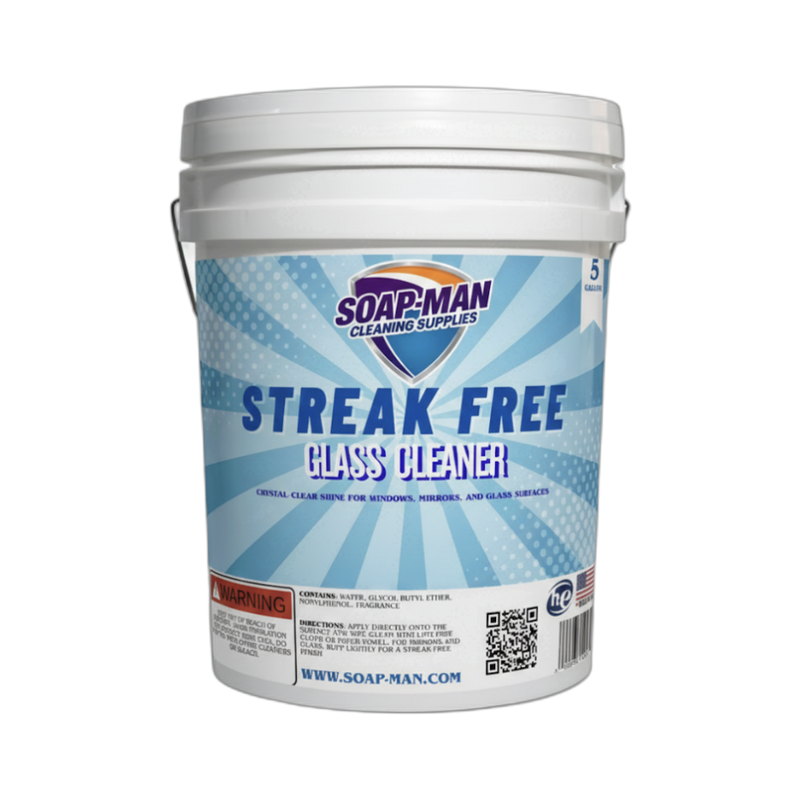
- Screen-safe cleaner — Streak-Free Glass Cleaner or distilled water, never ammonia-based.
- Two clean microfiber cloths — one slightly damp, one dry.
- Compressed air — for dust in bezels and vents (optional).
- Dry soft brush — for loose dust on the screen before wet cleaning.
Step-by-Step: How to Clean a Monitor
Step 1: Turn Off and Unplug the Monitor
Power down the monitor and unplug it. A powered-off dark screen shows every smudge, fingerprint, and speck of dust clearly so you know exactly where to clean. Disconnecting power also prevents any electrical issues in the unlikely event that moisture gets into the display. Let the screen cool for 2 to 3 minutes if it was running hot — cleaning a warm screen causes streaks as the liquid evaporates unevenly.
Step 2: Dust the Screen With a Dry Cloth or Brush
Gently wipe the screen with a dry microfiber cloth in soft sweeping motions from top to bottom. This removes loose dust particles before you introduce any liquid. Dry dust caught between a wet cloth and the screen acts as abrasive grit that scratches the coating. For stubborn dust in corners or along the bezel, use a soft brush or compressed air held 6 inches away and blown in short bursts.
Step 3: Lightly Dampen a Microfiber Cloth With Cleaner
Spray Streak-Free Glass Cleaner onto the microfiber cloth, not the screen. The cloth should be damp, not wet — if you can squeeze moisture out of it, it is too wet. Wring it out. Spraying directly onto the screen risks liquid running down into the bezel and seeping into the panel electronics, which is a common cause of display failure. Always apply liquid to the cloth, never the monitor.
Step 4: Wipe in Gentle Straight Lines, Then Buff Dry
Wipe the screen in straight horizontal or vertical strokes, working from top to bottom. Do not scrub in circles — it can leave swirl marks visible at certain angles. Use light pressure; the microfiber does the work, not your hand. For fingerprints and oil, go over the spot 2 or 3 times with light pressure rather than pressing hard once. Follow with a completely dry second microfiber to buff away any residual moisture and catch streaks before they dry in.
Pro Tips
- Never use paper towels, napkins, or tissues. They seem soft but contain wood fibers that create micro-scratches on the anti-glare coating. Microfiber is the only safe material for screens.
- Never use ammonia-based cleaners. Windex, 409, and similar glass cleaners contain ammonia that chemically degrades anti-reflective coatings over time. Always use a screen-specific or ammonia-free cleaner.
- Clean the bezel and stand separately. Once the screen is clean, wipe down the plastic bezel and the monitor stand with a different cloth and a gentler multi-surface cleaner. Oils from the bezel can transfer back to the screen if you use the same cloth.
FAQ
Can I use distilled water to clean my monitor?
Yes — distilled water alone on a microfiber cloth is completely safe and effective for light cleaning. For fingerprints and oil smudges, a cleaner with a small amount of isopropyl alcohol or a screen-specific formula works better. Never use tap water — the minerals leave water spots.
My OLED screen has a burn-in looking mark. Is that dirt?
If the mark disappears when the screen is wiped, it is dirt. If it stays visible with the screen on, especially on static images, it is permanent OLED burn-in, which cannot be cleaned — only the panel can be replaced. Cleaning will not damage your screen, so it is worth testing first.
Are pre-moistened screen wipes safe?
Yes, if they are labeled specifically for LCD/LED/OLED screens. Avoid generic "electronics wipes" that may contain alcohol or ammonia. Screen-safe wipes are convenient but a microfiber with a proper cleaner is usually more effective and cheaper long-term.
How do I remove sticker residue from a monitor bezel?
On the plastic bezel (not the screen), use a cotton swab dampened with rubbing alcohol or a drop of Goo Gone. Never apply these to the screen itself. Wipe away the residue, then clean the bezel with mild soap and water to remove the solvent.